
Every invoice, tied to the project, the code and the cash.
A development company runs money in every direction at once — supplier invoices for materials and subcontractors, sales invoices to buyers, service agreements, credit notes, VAT — usually spread across a bookkeeper's folder and a stack of PDFs no one can reconcile against the budget. Tektor keeps every invoice in one place, tied to the project, unit and budget code it belongs to, and tracks it from raised to approved to paid — so at any moment you know what you owe, what you're owed, and what's still waiting on a decision.
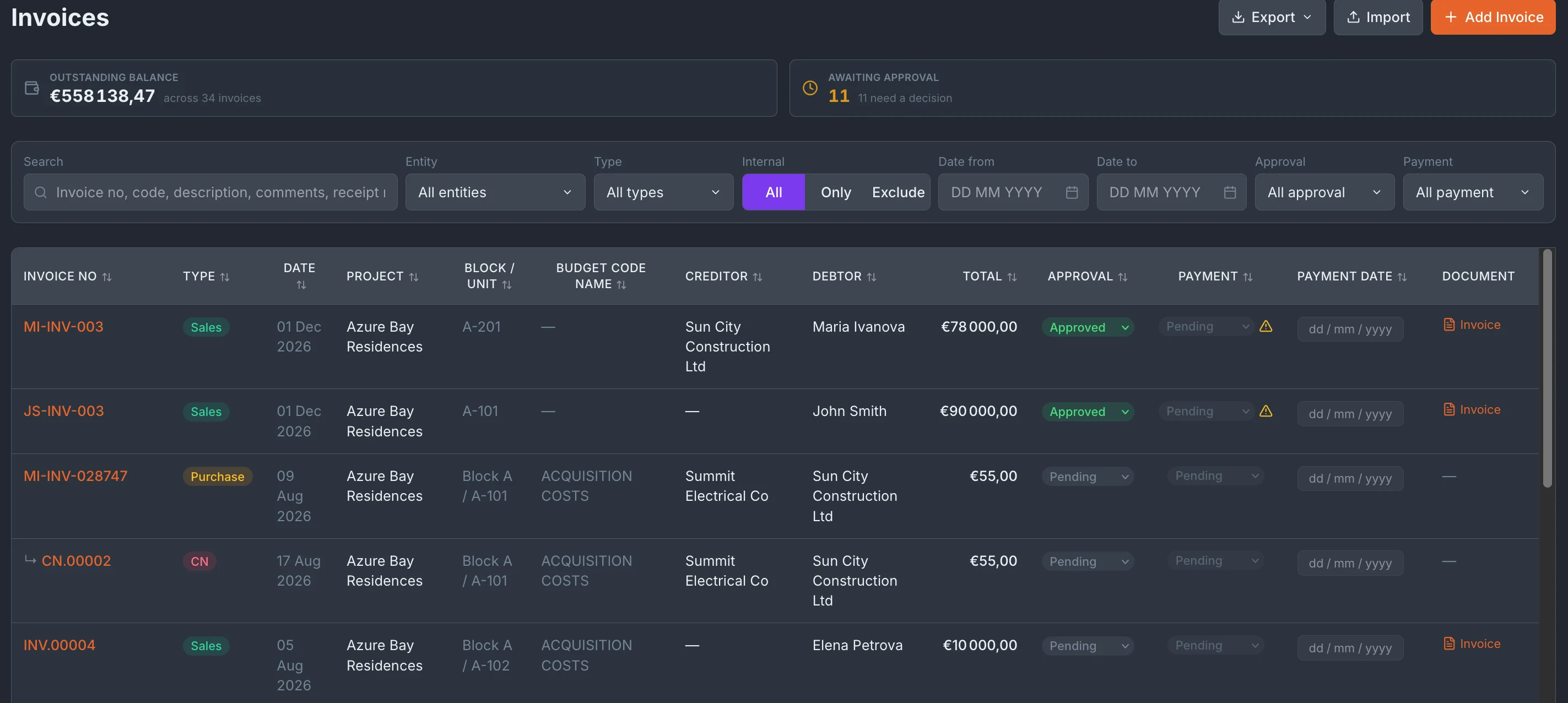
One invoice, fully classified
Every invoice carries the detail a developer actually needs to file it correctly. Set the type — Purchase, Sales or Service — and Tektor treats it accordingly (the type is fixed once created, so an invoice can't drift into the wrong category later). Record both parties, creditor and debtor, each with the bank alias the money moves through, and classify the invoice against the project, block and unit it belongs to, linked to a contract or raised as a free invoice. The summary rail keeps the money in view the whole time — total amount, VAT, and the outstanding balance — alongside the invoice's approval and payment status, so a supplier bill sitting on "Pending approval" is never quietly forgotten.
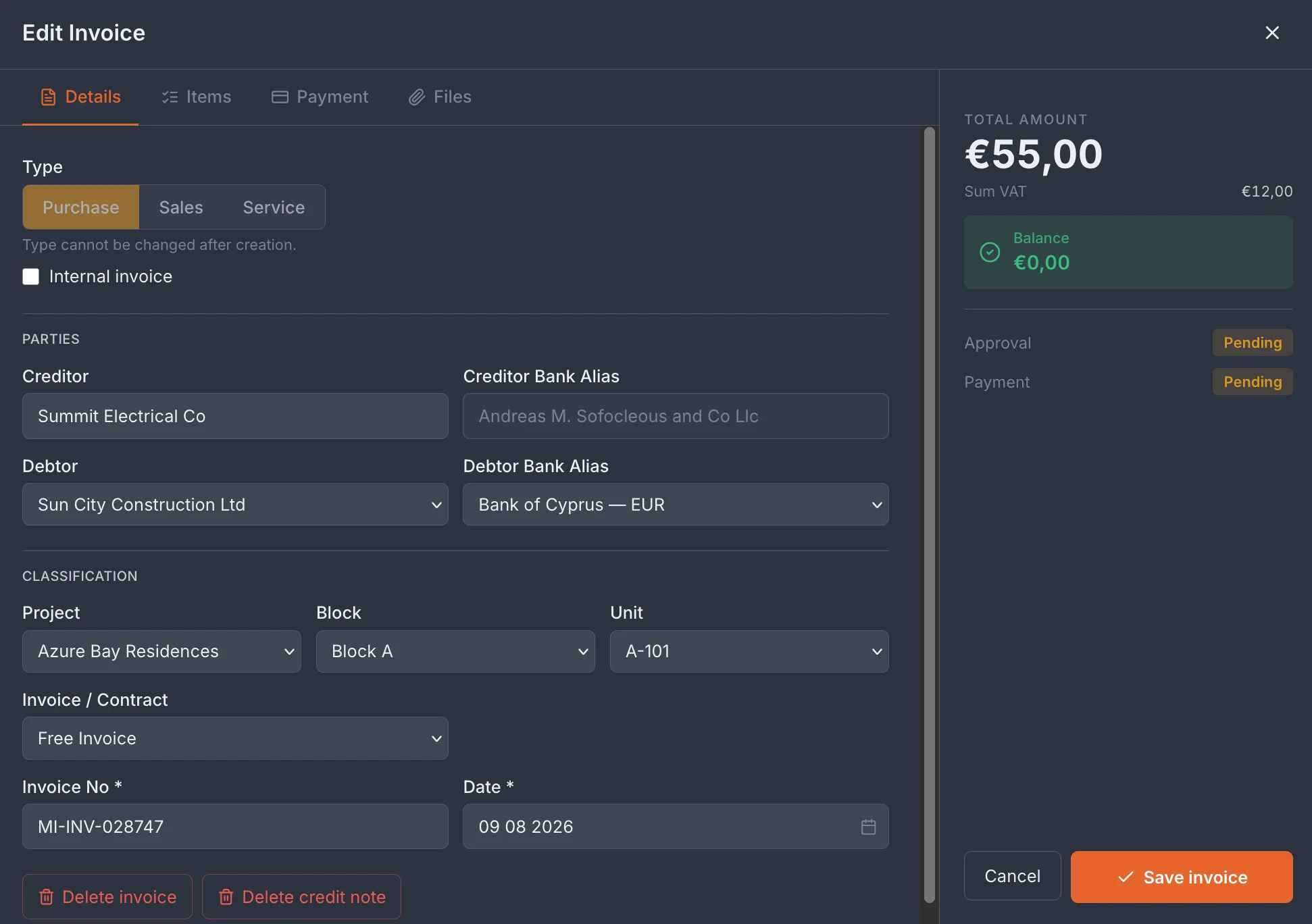
Line items on budget codes — invoices that feed the budget
This is where Tektor turns invoices from paperwork into control. Each invoice is built from line items, and every line is tagged with a budget code from your project's budget tree — Acquisition Costs, Site Preparation, and so on — with its own amount, VAT and quantity. A single invoice can split across several codes, so a supplier bill covering two cost categories lands in exactly the right places. Because every line ties to a budget code, your invoices feed straight into budget control: the amount you commit and pay against a code is the amount tracked against what you budgeted for it — no re-keying figures into a separate spreadsheet, no month-end reconciliation guessing which cost went where. The budget you planned and the invoices you actually pay live under one code structure.
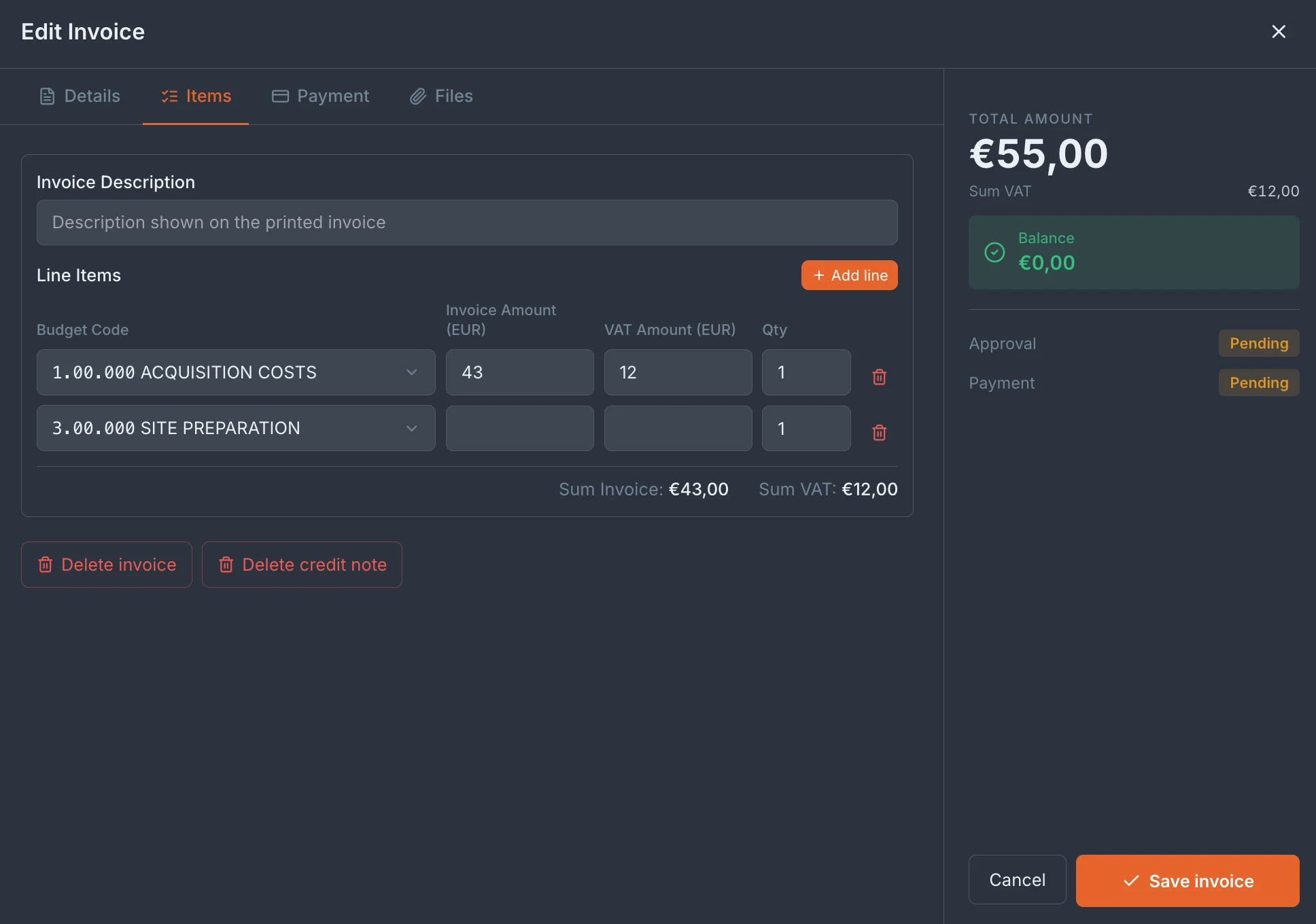
Invoices become transactions — across every legal entity
An approved, paid invoice doesn't just sit in a list — it becomes a financial transaction on the right bank account of the right legal entity. Tektor's Transactions view shows that money movement across all your entities at once: each company (Sun City Construction Ltd, Sun City Holdings Ltd) with its own bank accounts and balances, and every transaction beneath — income and expense, debtor and creditor, amount, reason, and the invoice it came from as its source. For a developer running several SPVs and bank accounts, this is the picture that's usually impossible to assemble: one view of what's flowing where, filterable by entity, project, debtor and creditor, with each figure traceable back to the invoice that created it. You can also record transfers between accounts directly, so the balances stay a true reflection of where the cash actually is.
Frequently asked questions
What invoice types does Tektor support?
Purchase, Sales and Service invoices, plus credit notes. The type is set at creation and fixed afterwards, so invoices stay correctly categorised.
How do budget codes on invoices work?
Each line item on an invoice is tagged with a budget code from your project's budget tree, so committed and paid amounts flow straight into budget control against the code you planned them under — with no duplicate data entry.
Can I track approval and payment separately?
Yes. Every invoice carries its own approval status and payment status, shown on the invoice and in the list, so you always know what's awaiting a decision and what's still to be paid.
Does Tektor handle multiple legal entities and bank accounts?
Yes. Transactions are tracked per legal entity and per bank account, so a group running several companies and accounts sees every balance and movement in one place — filterable by entity.
Related features
Book a free 30-minute demo
Real screens. Your project type. No slides, no sales pitch.